Bluetooth Photo Share Expert1.1.0
Publisher Description
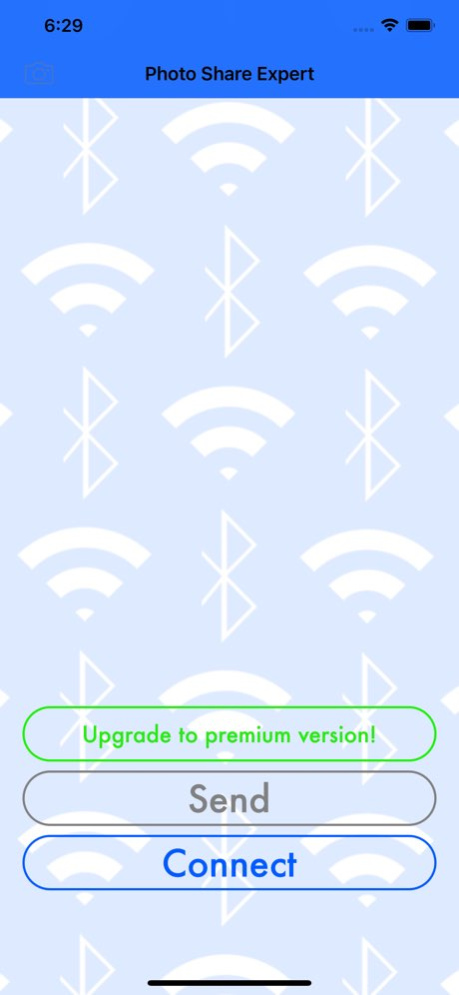
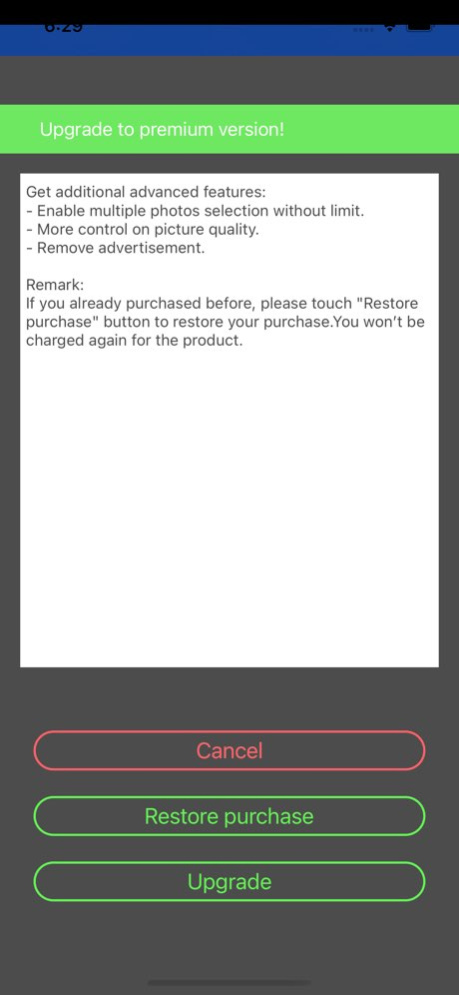
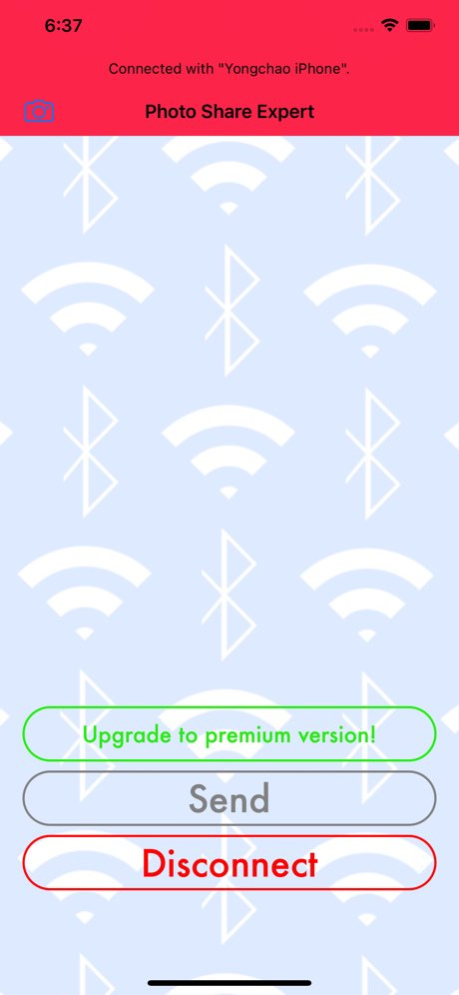
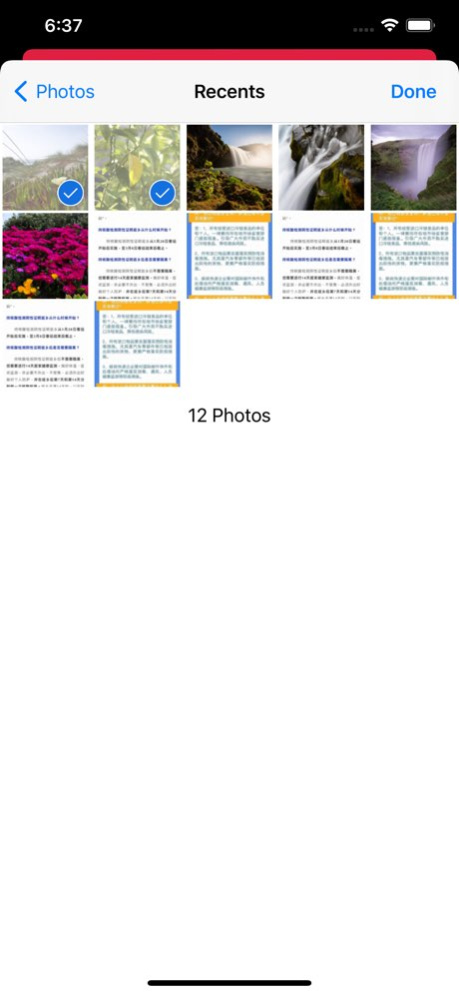
Photo Share Expert is a small utility help people to share photos via wifi or bluetooth.It is implemented with a fast transfer speed and a stable performance.In-App purchase supported to upgrade to premium version. For premium version, additional features implemented as below:
- Support unlimited photo selection, means you can transfer as many photo as possible one time.
- More control settings on picture quality and transfer speed.
- No advertisements.
Version History - Adapted for iOS 14.x version! 1.1.0 02/13/2021 - Optimize localization for Japanese, Simplified Chinese, Traditional Chinese and Spanish.
- Update AD. 1.0.1 09/11/2014 1.0 08/26/2014
About Bluetooth Photo Share Expert
The company that develops Bluetooth Photo Share Expert is 永超 侯. The latest version released by its developer is 1.1.0.
To install Bluetooth Photo Share Expert on your iOS device, just click the green Continue To App button above to start the installation process. The app is listed on our website since 2026-10-13 and was downloaded 1 times. We have already checked if the download link is safe, however for your own protection we recommend that you scan the downloaded app with your antivirus. Your antivirus may detect the Bluetooth Photo Share Expert as malware if the download link is broken.
How to install Bluetooth Photo Share Expert on your iOS device:
- Click on the Continue To App button on our website. This will redirect you to the App Store.
- Once the Bluetooth Photo Share Expert is shown in the iTunes listing of your iOS device, you can start its download and installation. Tap on the GET button to the right of the app to start downloading it.
- If you are not logged-in the iOS appstore app, you'll be prompted for your your Apple ID and/or password.
- After Bluetooth Photo Share Expert is downloaded, you'll see an INSTALL button to the right. Tap on it to start the actual installation of the iOS app.
- Once installation is finished you can tap on the OPEN button to start it. Its icon will also be added to your device home screen.
Program Details
System requirements
Download information
Pricing
Version History
version 1.1.0
posted on 2026-10-13
Version History - Adapted for iOS 14.x version! 1.1.0 02/13/2021 - Optimize localization for Japanese, Simplified Chinese, Traditional Chinese and Spanish.
- Update AD. 1.0.1 09/11/2014 1.0 08/26/2014
version 1.1.0
posted on 2021-02-13
Feb 13, 2021
Version 1.1.0
- Adapted for iOS 14.x version!
version 1.1.0
posted on 2021-02-13
- Adapted for iOS 14.x version!
